
Exams & Results
Marks in, results out
Set up exams with split and optional papers, enter marks paper by paper, and publish results with grades, merit lists and marksheets when you're ready.
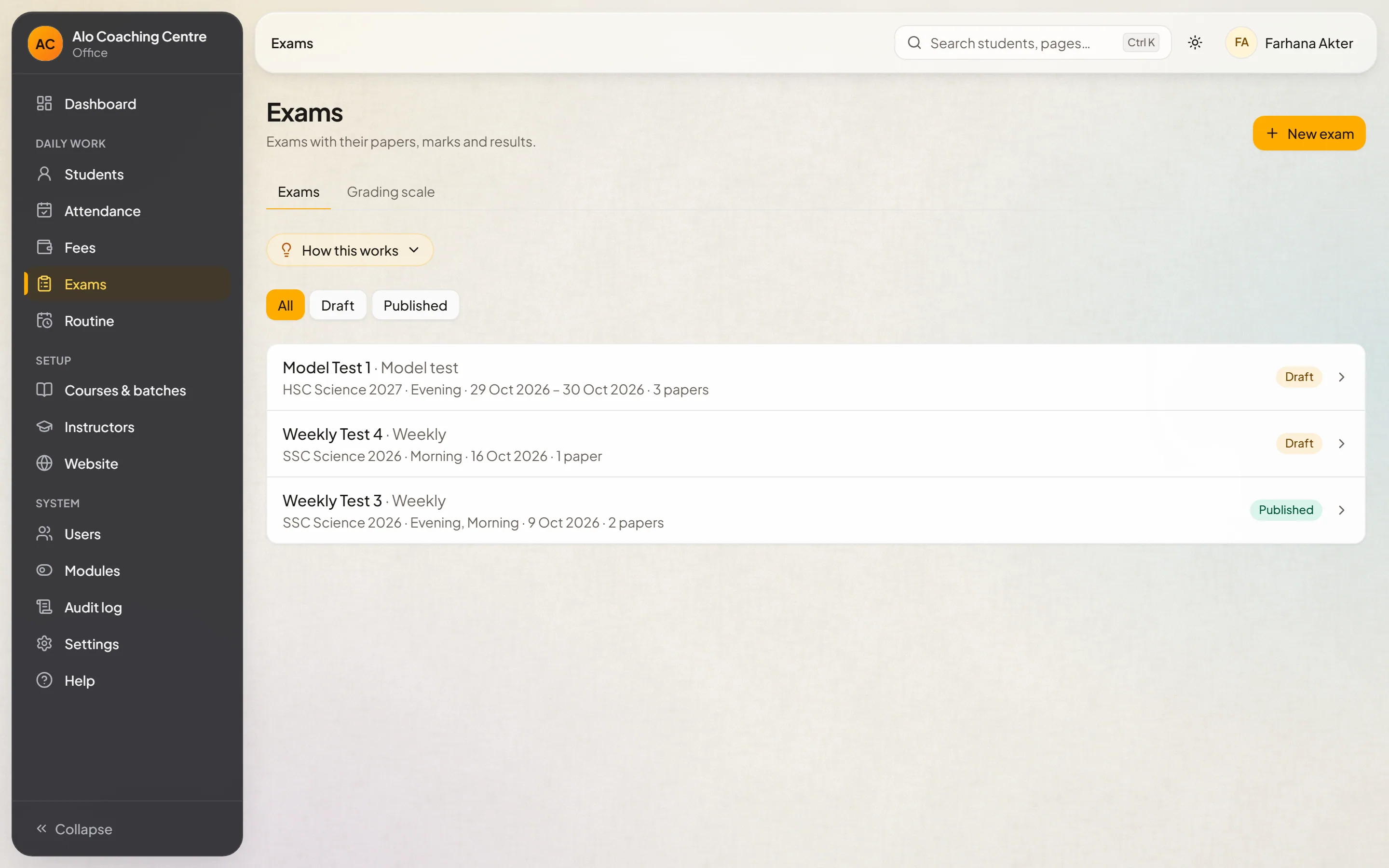
Exams
Exams that match your papers
Split a paper into parts, mark papers as optional, and choose the batches that sit each exam.
- Split papers
- Optional papers
- Per-batch exams
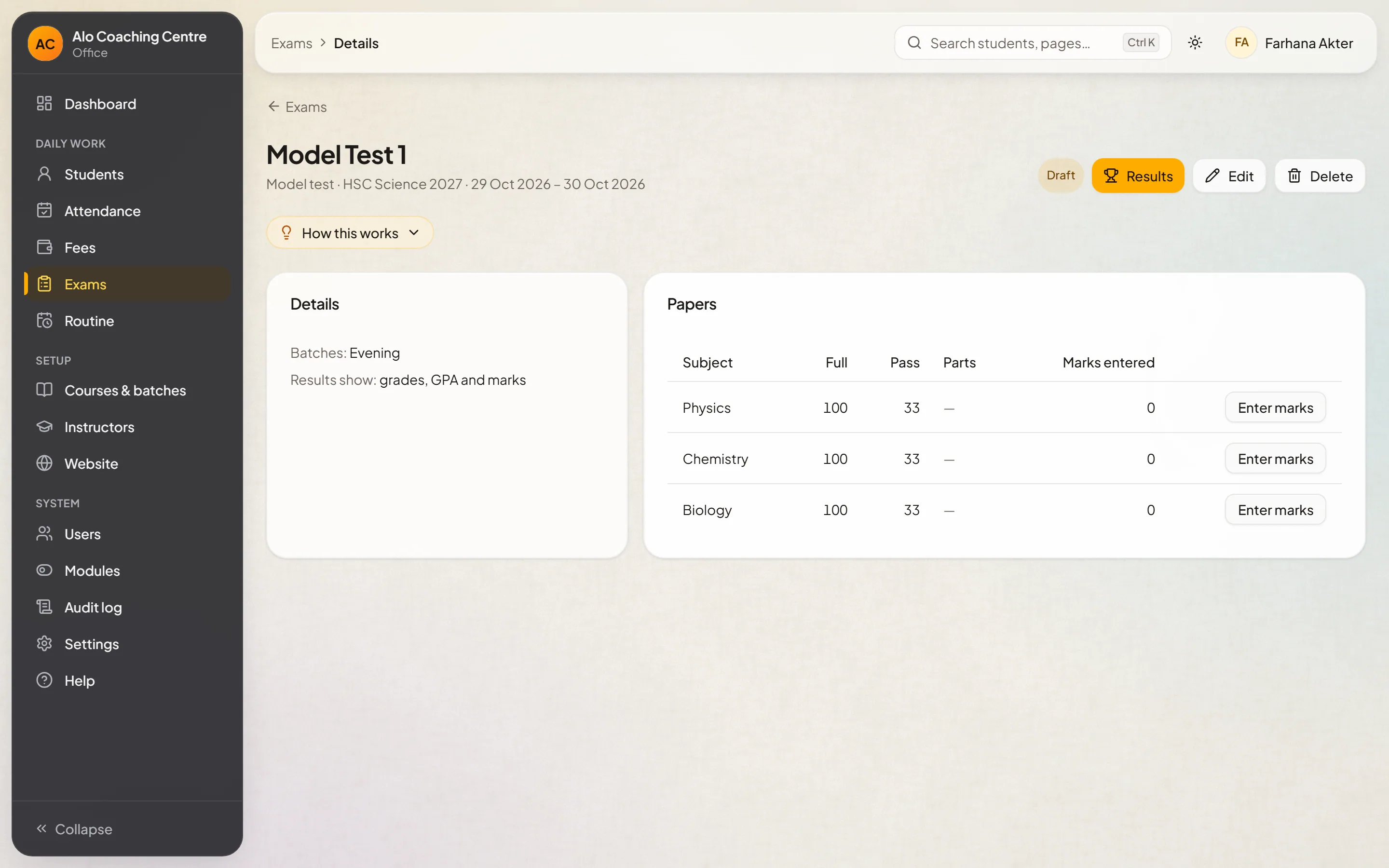
Marks
Marks entry by paper
Instructors enter marks for the papers they teach; the office checks and completes the rest.
- Entry by paper
- Checks before publishing
- Instructors can't publish
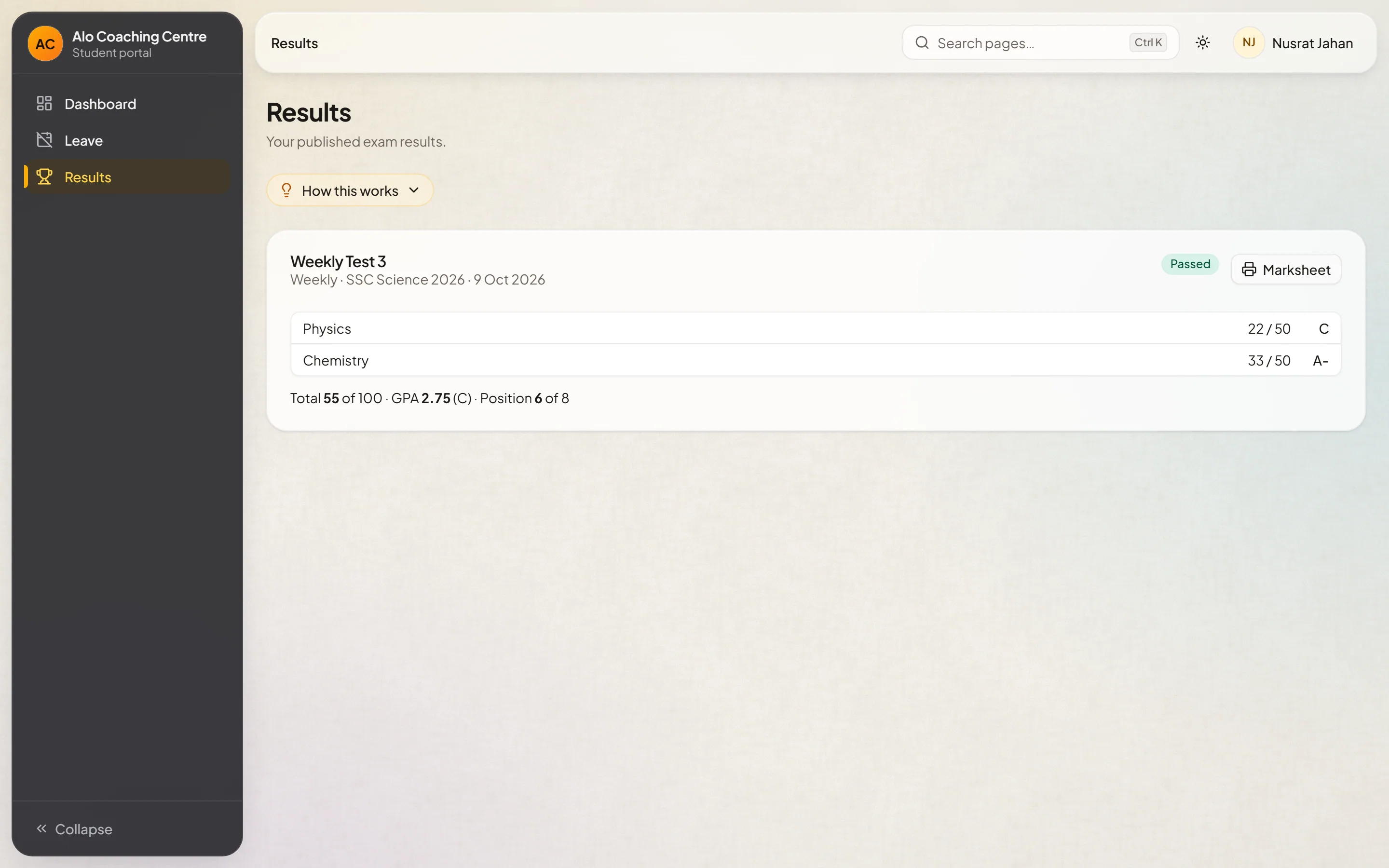
Results
Grades, merit lists and marksheets
Your grading scale turns marks into grades. Publish, and students see their result in their portal.
- Your own grading scale
- Merit lists
- Printable marksheets
Questions
Questions about this module
Can instructors publish results?
No. Instructors enter marks; publishing results is for the office roles allowed to do it.
See it with your own batches
Tell us about your coaching centre. We'll set up a demo with courses and batches like yours and walk you through it.