
Core
Courses, subjects, batches, students, instructors, roles, documents, dashboard and audit log. Always on.
About CoreFeatures
Core runs your institute's records. Each module adds a workflow and depends only on Core, so you can start with what you need.
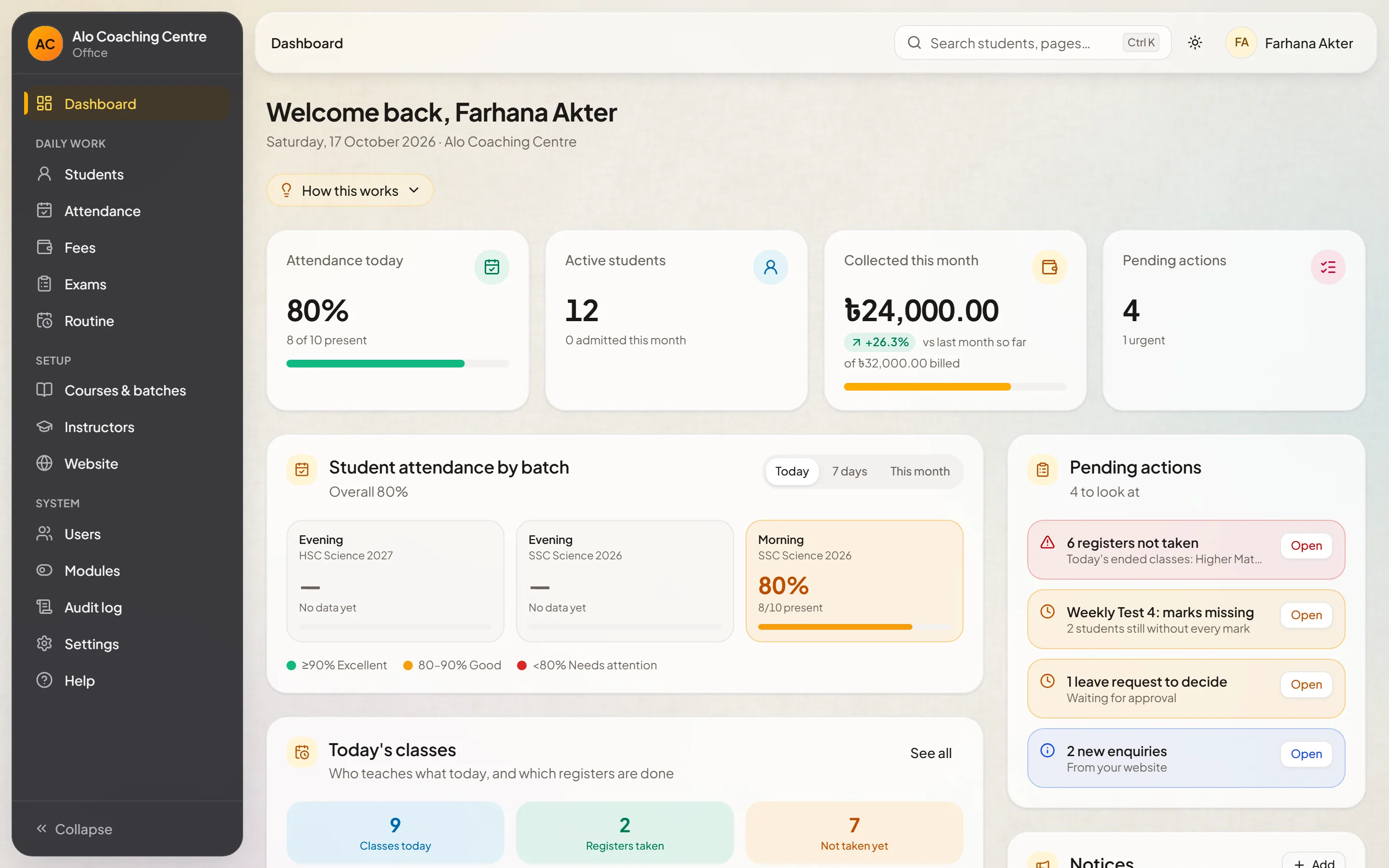
Modules
A student admitted once appears in attendance, exams, routines and fees.
Courses, subjects, batches, students, instructors, roles, documents, dashboard and audit log. Always on.
About CoreRegisters, leave requests and approvals, attendance reports.
About AttendanceExams with split and optional papers, grading, merit lists and marksheets.
About ExamsDated timetables, changes and substitutes, lesson-plan progress.
About RoutineFee items, monthly charges, waivers, fines, receipts, voids and refunds.
About FeesThemes, pages, notices, gallery, faculty, achievers and an enquiry inbox.
About WebsiteGetting started
Your institute gets its own address, and the Owner receives a sign-in.
Model your courses, subjects, batches and schedules the way you teach.
Invite staff with the roles they need; admit students into their batches.
Turn on attendance, exams, routine, fees or the website as you're ready.
Tell us about your coaching centre. We'll set up a demo with courses and batches like yours and walk you through it.